
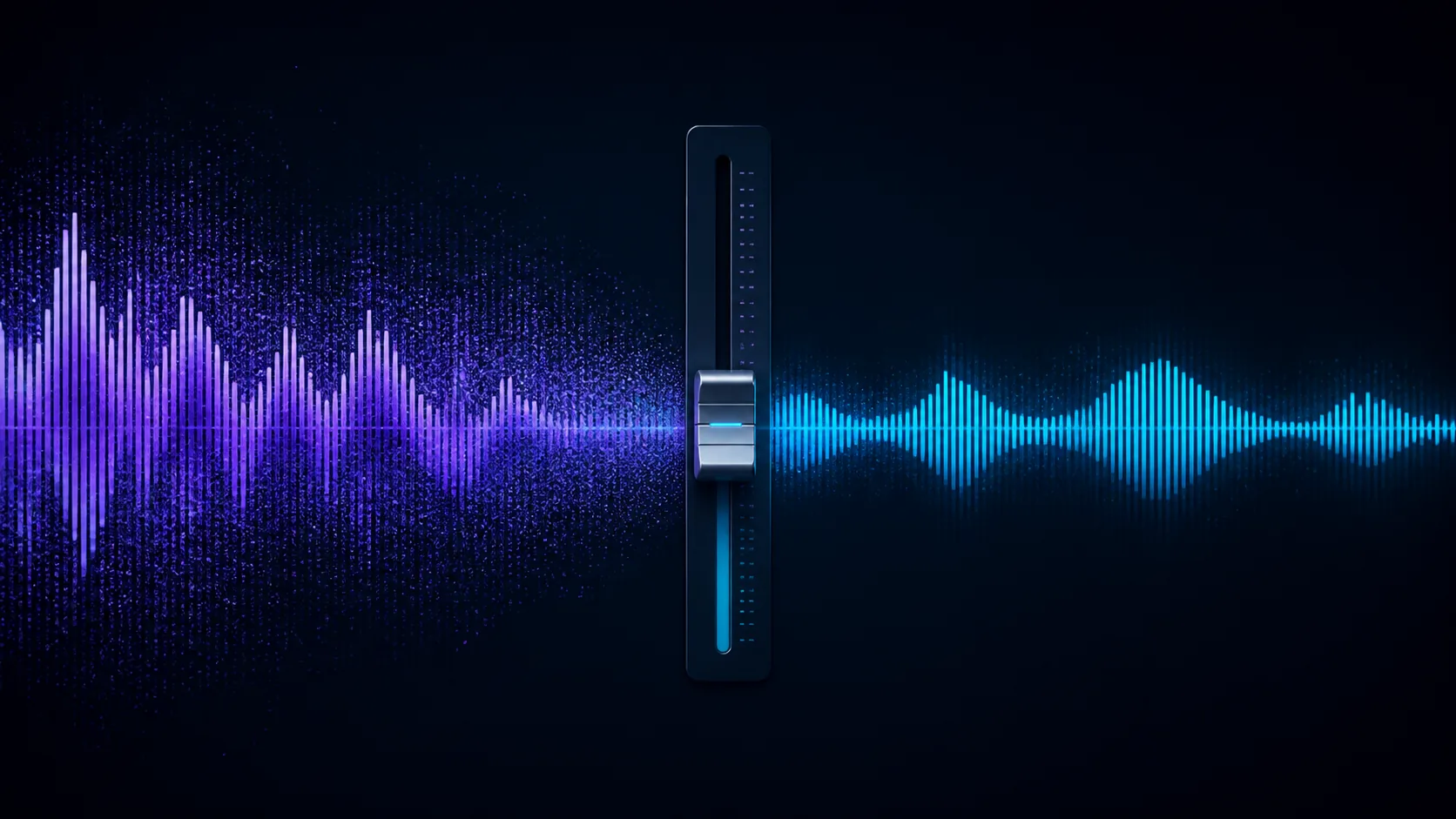
A noise suppressor reduces unwanted energy; it cannot always separate every sound that overlaps the voice.
If Waves NS1 is not removing “back noise” (usually called background noise), the plugin may still be working. The most common explanation is that the unwanted sound overlaps the speaker in time and frequency, while NS1 is designed to suppress noise without destroying the foreground signal—not to isolate a voice perfectly. A bypassed or misrouted insert, an overly low setting, changing noise, heavy room reverb, clipping, or a very poor signal-to-noise ratio can also make it seem ineffective.
This guide is for podcasters, voice-over artists, video editors, and musicians who can still hear hiss, hum, fans, traffic, room tone, or other noise after adding NS1. Work through the checks below in order; you should be able to tell whether the problem is setup, settings, or source material.
Quick answer: Confirm that NS1 is inserted on the track you are actually hearing and is not bypassed. Play a noisy section, raise the single fader slowly, and watch the attenuation meter. Stop when the noise drops but before the voice becomes dull, choppy, or watery. If the meter reacts but noise remains under speech, you have probably reached the source's separation limit rather than found a broken plugin.
What NS1 actually does
Waves describes NS1 as an automatic, adaptive noise suppressor that analyzes the input in real time and differentiates dialogue from unwanted background sound. Its interface intentionally exposes only one main control: according to the official user guide, the fader determines the amount of noise suppression, while the attenuation meter displays the overall energy removed from the input signal.
That wording matters. NS1 is not a surgical audio editor, and the fader is not a “delete all noise” control. The plugin continually decides what to reduce while trying to preserve the wanted signal. Waves' own demonstration presents it as a fast tool for unwanted noise on dialogue, and its product page emphasizes real-time adaptation rather than a separately captured noise profile.
Independent tests reach a similar practical conclusion. MusicTech recommends raising the fader until background suppression is audible, then stopping before the foreground becomes curtailed. A Radio and Production review found gentle settings useful but reported increasingly audible gating and filtering at aggressive settings. Those listening observations are not official algorithm documentation, but they explain why pushing the control to 100 is rarely the best fix.
Seven reasons Waves NS1 may leave background noise
1. The plugin is not processing the signal path you hear
Start with the boring checks because they solve a surprising number of cases. NS1 must be inserted on the dialogue or vocal channel that reaches your output—not on an unused take, muted bus, or alternate audio track. Confirm that the DAW insert and the Waves plugin are not bypassed, then compare the same passage with the effect on and off at matched monitoring volume.
Watch the attenuation meter while the clip plays. If the fader is above zero but the meter never responds, check the insert, track routing, channel format, and whether automation is forcing the control or bypass state elsewhere. Waves lists VST3, Audio Units, and AAX among the major supported formats, but host and operating-system compatibility still needs to match the installed plugin version.
2. The fader is set too low—or much too high
At a very low setting, the change can be subtle. At a very high setting, NS1 may start treating parts of speech as unwanted energy, producing pumping, chopped word endings, lost low end, or a dull and artificial voice. The correct value depends on the recording; there is no universal number that works for every microphone, room, and speaker.
Use this repeatable method:
- Loop a sentence containing both speech and a short pause.
- Start with the NS1 fader at zero.
- Raise it slowly until the noise falls by a clearly useful amount.
- Keep listening to consonants, breaths, and word endings.
- Back the fader down as soon as speech quality starts to suffer.
- Bypass and re-enable the plugin at similar loudness to confirm the improvement.
The goal is the cleanest natural voice, not the largest meter reading.
3. The noise happens at the same time as the voice
A steady fan during pauses is easier to suppress than a second person talking over the speaker. Keyboard clicks, music, television dialogue, street horns, and crowd voices can share both the timing and frequency range of human speech. When wanted and unwanted sounds are mixed into one waveform, strong suppression may damage both.
This is why NS1 can make silent gaps sound clean while leaving noise audible underneath words. The behavior does not necessarily mean it has failed; it means the foreground/background distinction is ambiguous. Try clip editing for isolated events, spectral repair for short intrusions, or a voice-separation tool designed for overlapping sources.
4. You are hearing room reverb, not just background noise
Room tone and reverberation are related but different problems. Constant HVAC hiss or electrical hum exists independently of the voice. Reverberation is a delayed, colored copy of the voice created by reflections from walls, ceilings, desks, and windows.
Because reverb follows every word, removing it aggressively can also remove vocal detail. NS1 may reduce the perceived room sound, but a strongly reverberant recording usually needs a dedicated de-reverb stage. For the next recording, move the microphone closer, reduce gain as needed, and add soft absorption around the speaker; improving the direct-to-reflected sound ratio is more reliable than repairing severe echo later.
5. Compression later in the chain brings the residual noise back up
NS1 may be reducing the noise correctly, only for a compressor, limiter, exciter, or makeup-gain stage after it to make the remainder obvious again. Temporarily bypass every plugin after NS1. If the cleaned signal now sounds acceptable, re-enable the later processors one at a time and reduce unnecessary compression or makeup gain.
As a starting point, place cleanup early in a spoken-word chain, before heavy dynamics processing. This is a workflow recommendation rather than a Waves requirement: the best order still depends on the recording and the sound you want.
6. The recording is clipped or has too little usable voice signal
Noise reduction cannot reconstruct detail that was never captured. If the microphone was too far away, the voice may be only slightly louder than the room. If the preamp or recorder clipped, distorted harmonics are already part of the wanted signal. Raising NS1 cannot restore the missing peaks or create a clean close-mic voice.
Check the raw waveform for flat-topped peaks and listen for crackling on loud syllables. Where possible, return to the original uncompressed file rather than a low-bitrate export or a clip that has already been denoised several times. A cleaner source gives any suppressor more information to work with.
7. You expect complete silence instead of controlled reduction
Total silence between phrases can sound unnatural when the remaining dialogue still contains room tone. It can also expose hard edits and make each word appear to open and close a gate. In many productions, a low, consistent noise floor sounds better than alternating between audible room noise and digital silence.
Judge the result in the final mix, not only in solo on headphones. If the voice is clear and the remaining noise is no longer distracting at normal playback level, the processing may already be doing its job.
A five-minute NS1 troubleshooting checklist
| Check | What to do | What the result means |
|---|---|---|
| Signal path | Bypass NS1 on the exact dialogue track | No audible change suggests routing, bypass, or a very low setting |
| Meter | Play a noisy passage and watch attenuation | Movement confirms that NS1 is removing some input energy |
| Fader | Sweep slowly from 0 upward | A usable range should reduce noise before speech artifacts dominate |
| Plugin chain | Bypass processors after NS1 | If noise drops, later compression or gain is re-emphasizing it |
| Source | Compare pauses with noise under speech | Clean pauses plus noisy words point to overlapping sound |
| Reverb | Listen for a tail attached to every word | A dedicated de-reverb process may be required |
| Raw file | Inspect peaks and compare the original export | Clipping or repeated lossy processing limits recovery |
What to do when NS1 is not enough
First, keep the moderate NS1 setting that improves intelligibility without damaging the voice. Then address the remaining problem specifically: automate or cut isolated noises, use a narrow EQ or hum-removal tool for tonal interference, apply de-reverb for room reflections, or use dialogue separation when other voices and environmental sounds overlap the speaker.
If you do not need a DAW plugin chain—or want a quick second opinion on the source—try the RemoveNoise online background noise remover on a copy of the original file. Compare both results using the same headphones and playback level, and keep whichever version preserves the voice more naturally.
Do not stack repeated aggressive denoising passes by default. Each pass can interpret artifacts from the previous pass as new source material. Two gentle, purpose-specific stages may work well, but always compare them with one restrained pass. If the processed voice has already become metallic, hollow, or muffled, follow the robotic-voice recovery workflow and restart from the original file.
Frequently asked questions
Why does NS1 remove noise only when I stop talking?
The noise is easier to identify during pauses. When it occurs under speech, its frequencies and timing overlap the wanted signal, so stronger removal also risks damaging the voice. Use a moderate NS1 setting, then handle overlapping events with editing, spectral repair, or dialogue separation.
Should I set Waves NS1 to 100?
Usually not. The official control allows the suppression amount to be increased, but the best setting is the lowest one that makes the noise acceptably unobtrusive. Independent listening tests report audible gating and tonal loss at aggressive settings, so 100 should not be treated as an automatic target.
Does NS1 need a noise-only sample first?
No separate learning step is described in the official NS1 workflow. Waves characterizes the plugin as automatically adaptive in real time. However, including a short section of room tone in your test loop can still help you hear what the processor is reducing.
Can NS1 remove echo from a room?
It may reduce the perception of light room sound, but strong echo or reverb is attached to the voice and is not the same as independent background noise. A dedicated de-reverb process—or a better microphone position and acoustic treatment during recording—is the more appropriate solution.
Why does the noise return after I export?
Check that the export uses the same track, bus, plugin state, and automation as playback. Also inspect processors after NS1: compression, limiting, normalization, or makeup gain can raise residual noise. Compare the exported file and DAW playback at matched loudness before concluding that NS1 was omitted.
Bottom line
When Waves NS1 is not removing back noise completely, first prove that it is processing the correct signal, then set it by ear while watching the attenuation meter. If it cleans pauses but not noise under speech, or if raising the fader damages the voice, the recording has reached the practical limit of broad real-time suppression. Keep a natural moderate reduction and use a tool matched to the remaining problem rather than forcing one control to solve clipping, reverb, overlapping voices, and every other type of noise.
Sources
- Waves NS1 Noise Suppressor User Guide, Waves Audio. Official control descriptions for the suppression fader and attenuation meter. Accessed August 25, 2026.
- Automatic Noise Suppression Plugin – NS1, Waves Audio. Official product overview describing automatic, adaptive real-time processing. Accessed August 25, 2026.
- How to Remove Noise from Dialogue with NS1, Waves Audio, July 14, 2014. Official use-case demonstration. Accessed August 25, 2026.
- Supported Hosts, Waves Audio. Current host and plugin-format compatibility information. Accessed August 25, 2026.
- NS1 Review, MusicTech, February 5, 2013. Independent workflow observations and review. Accessed August 25, 2026.
- Test Drive: Waves' NS-1 Noise Suppressor Plug-in, Radio and Production, October 2012. Independent listening observations at mild and aggressive settings. Accessed August 25, 2026.
Disclaimer: RemoveNoise is not affiliated with or endorsed by Waves Audio. Product names and trademarks belong to their respective owners.